Interactive Data Portal
#React #Figma #User Research & Test
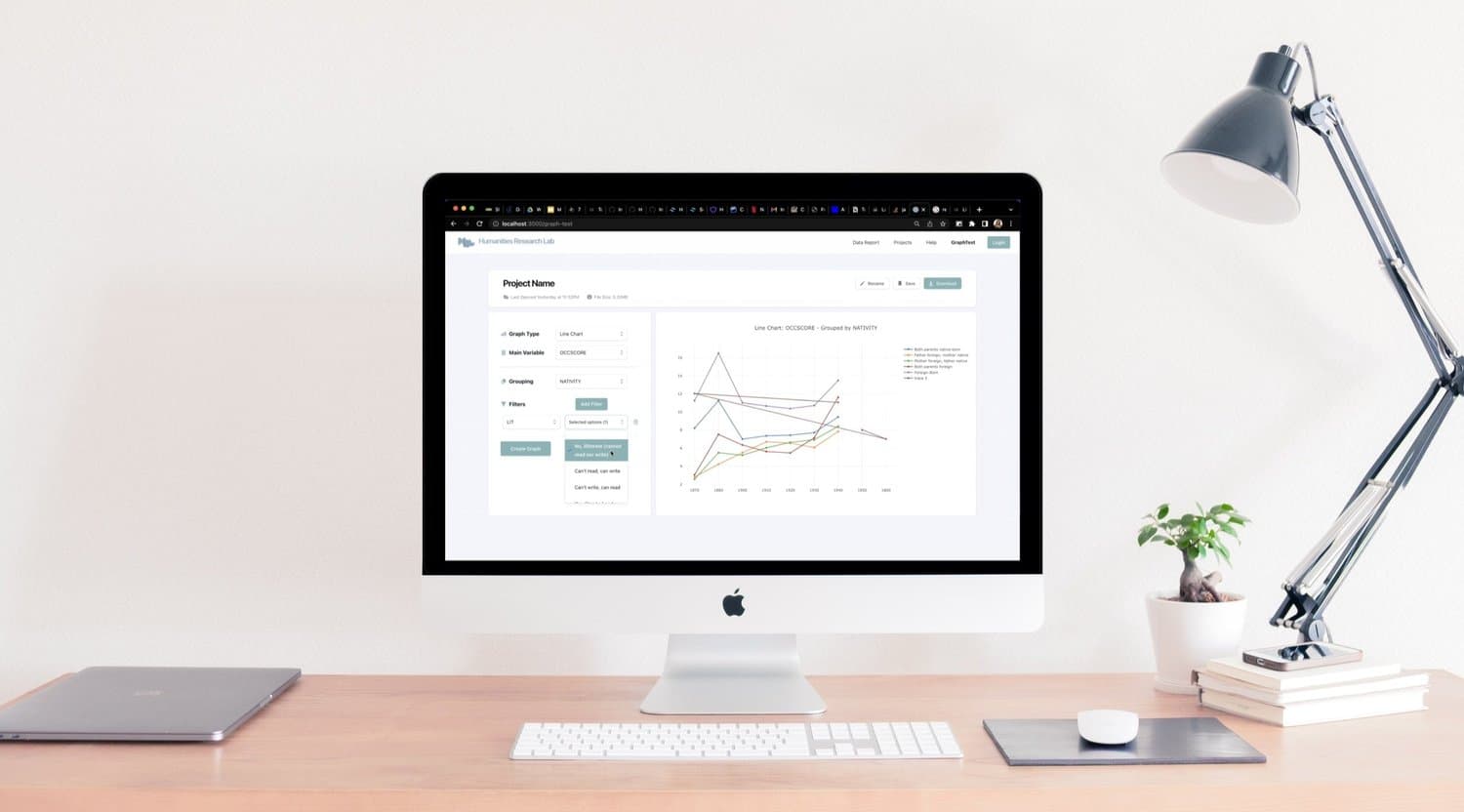
An interactive portal for flexible, real-time data visualization for historical research for Humanities Research Lab at NYU.
Timeline
2021 - 2022 (Weekly Meeting)
Project Type
Part-time Internship
My Role
UX Research, Design & Test, Development
Tools
Figma, Illustrator, Github, React, Tailwind, Next.js, MongoDB, Google slides, Excel sheet
Team
Heather Ruth Lee (mentor), Sarah Tahir (front-end), Yufeng Zhao (full-stack developer), Yuchen Wang (back-end), Tim Wu (data analysis)
My Contribution
UX Research, Design & Test: user interview; user tests; design clickable wireframes; build UI components
Development: program the front-end framework, implement styling and functionality
Introduction
Building a Data Portal from Scratch
Humanities Research Lab is a multi-campus NYU project researching the significance of New York City immigrants. The lab had no web portal to integrate project creation and showcasing, making further development difficult. Our team set out to build an original data visualization portal from scratch — designed for the professors and students who would use it for academic teaching and learning.
Problem
No Existing Portal for the Research Lab
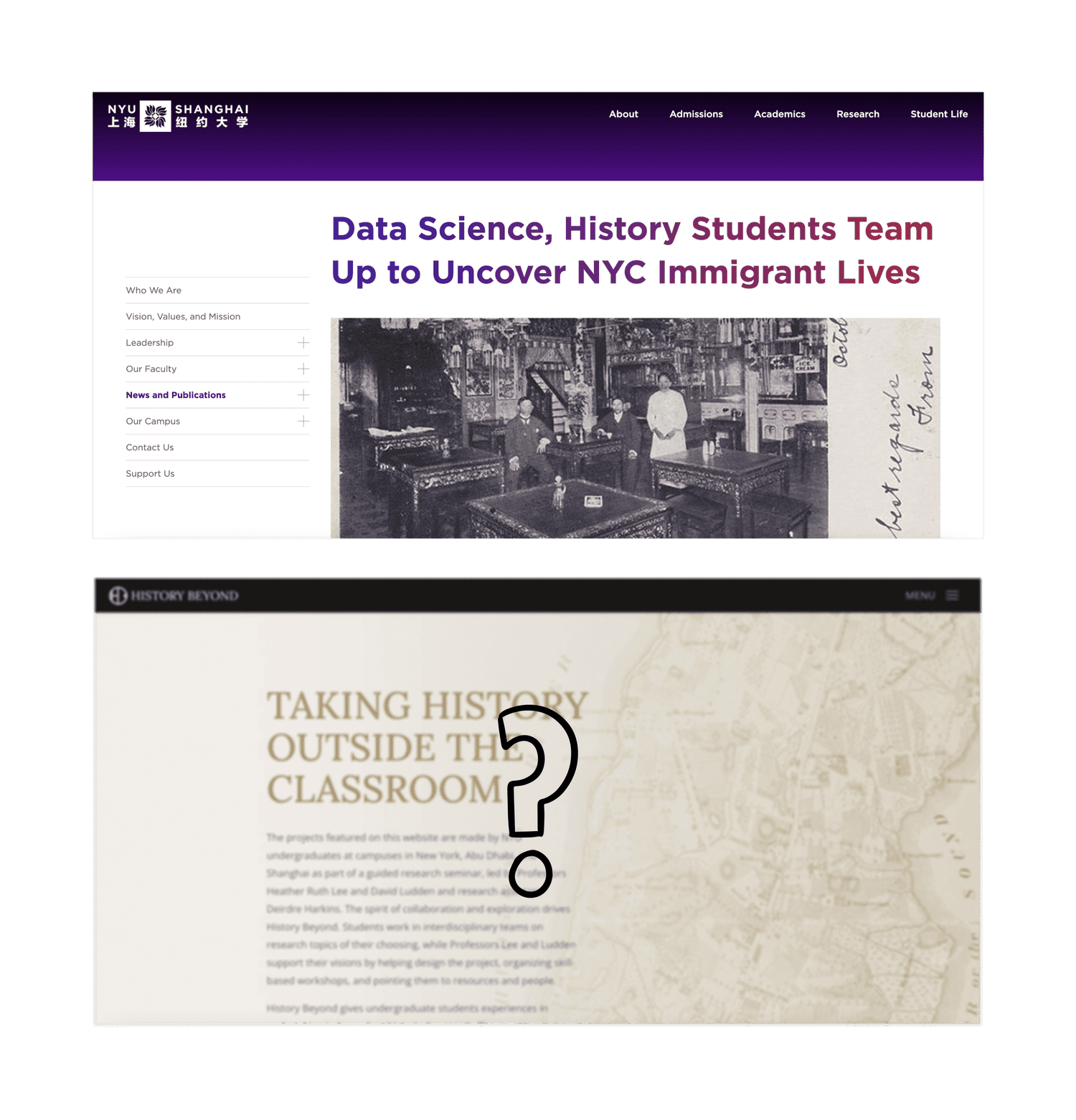
The lab and project were started in 2020, however, there isn't a web portal integrating the project creating and showcasing, which increases the difficulty of further development.
Therefore, our team aimed to build an original data visualization portal from scratch, based on the need of main user: the professors and students who will use the portal for academic teaching and learning.
User Research
Understanding Professors & Students
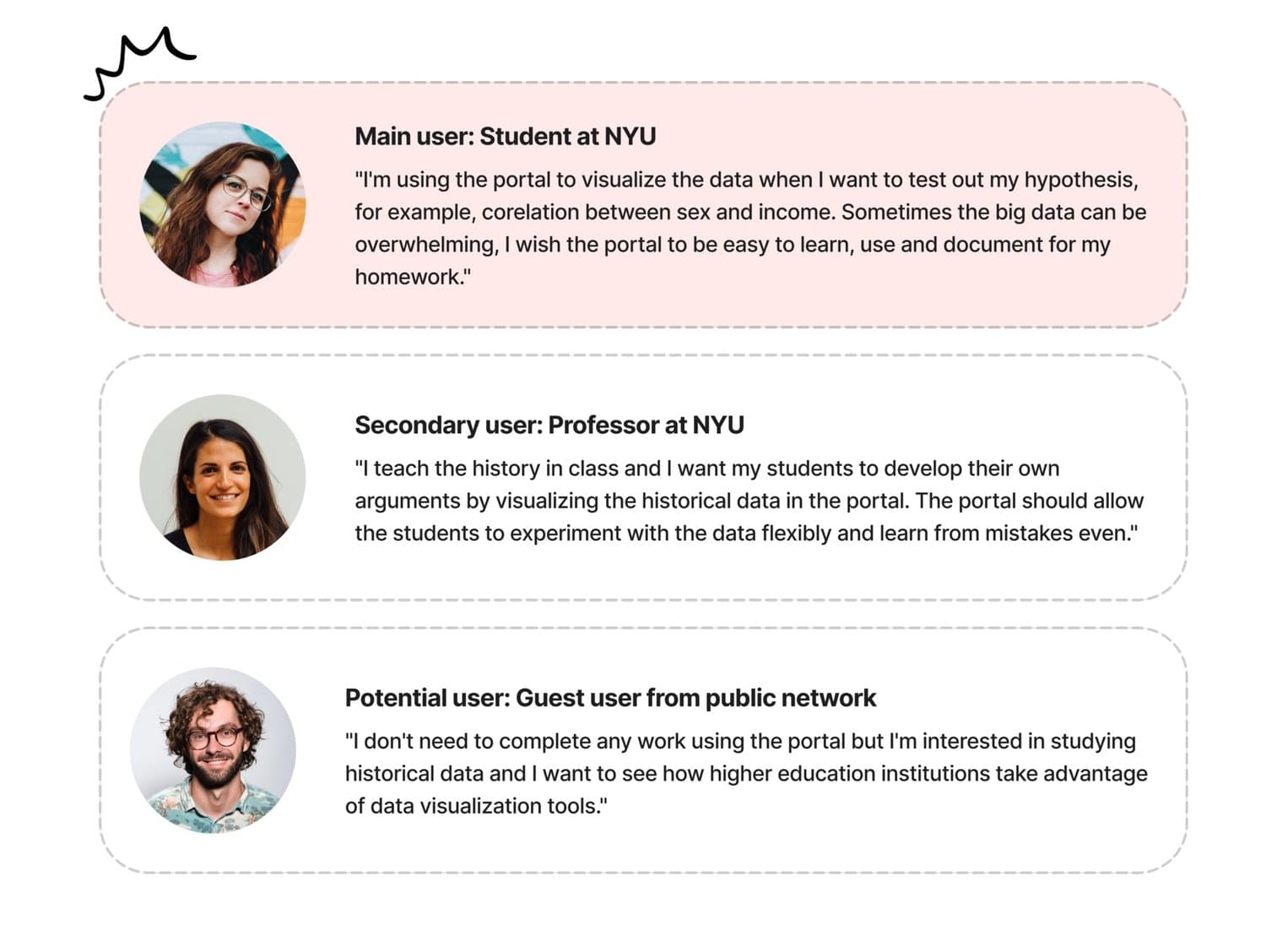
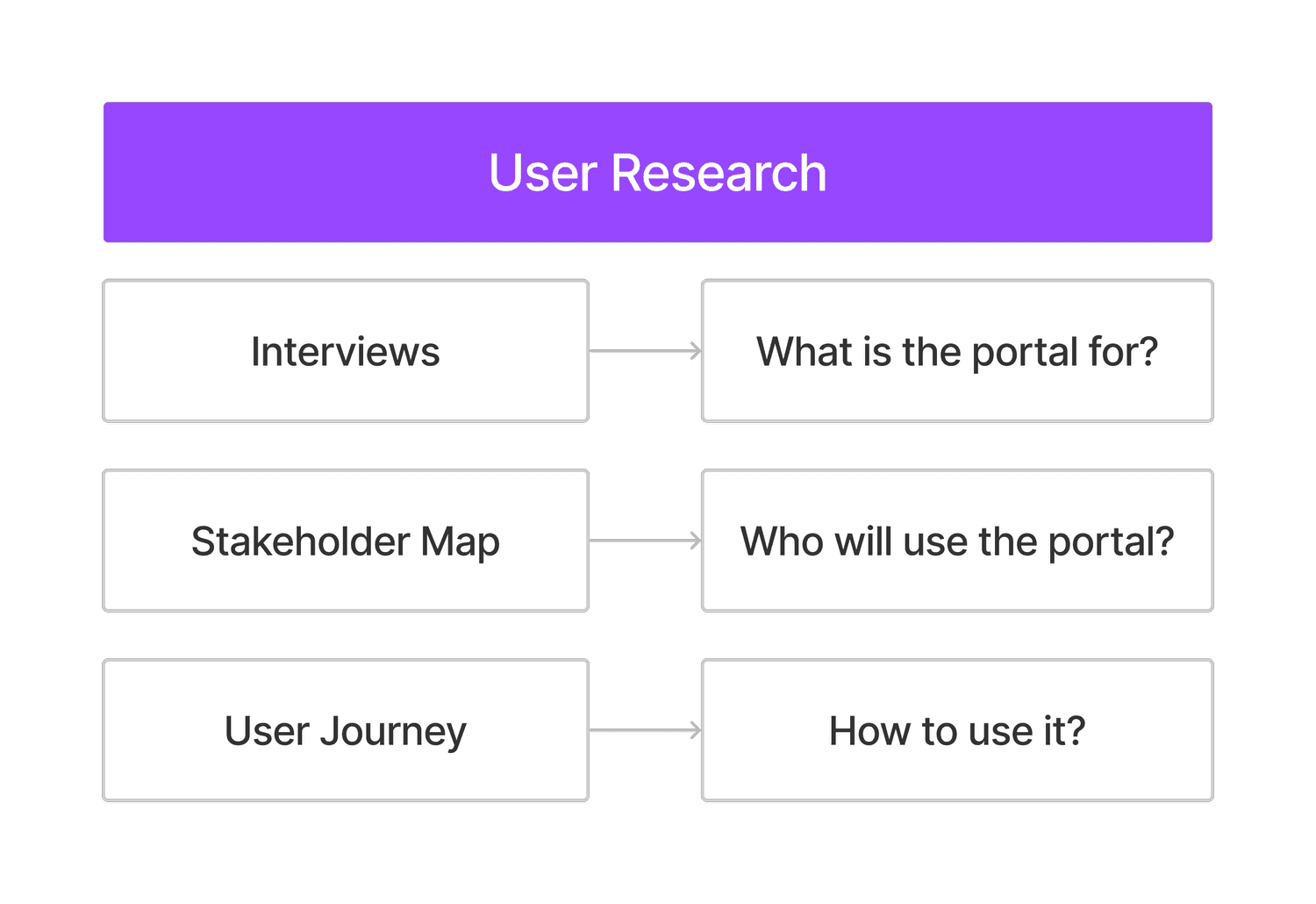
My team focused on our main target users — professors and students — and conducted interviews to understand how they teach and learn with data.
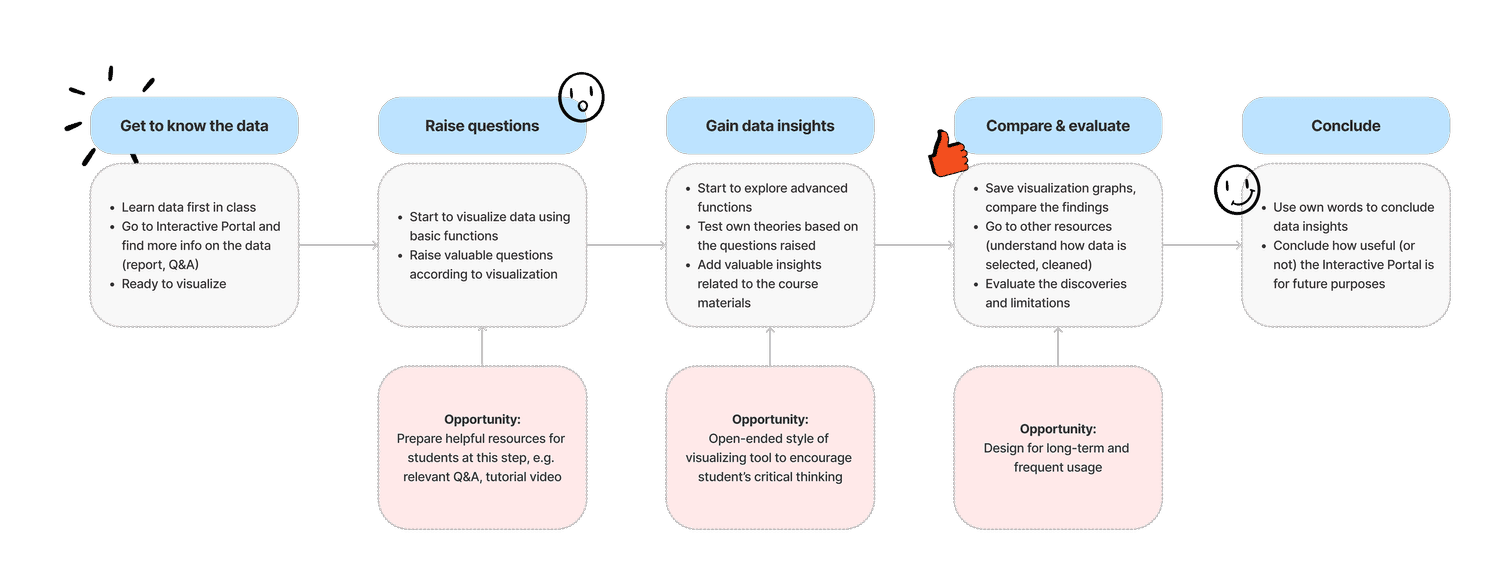
The main user will be students who take a history class and use the data portal to complete assignments. The secondary user will be professors who add the portal as a tool in the syllabus. After interviewing future student users, we identified the user journey as 5 steps: from getting to know the data in class to using the visualization tool and developing data insights independently.
We aim to build a data portal that serves two needs:
- Visualizing data to supplement teaching outside the classroom
- Assisting students to learn data and build their own narrative
Data Research
Deep Dive into the Dataset
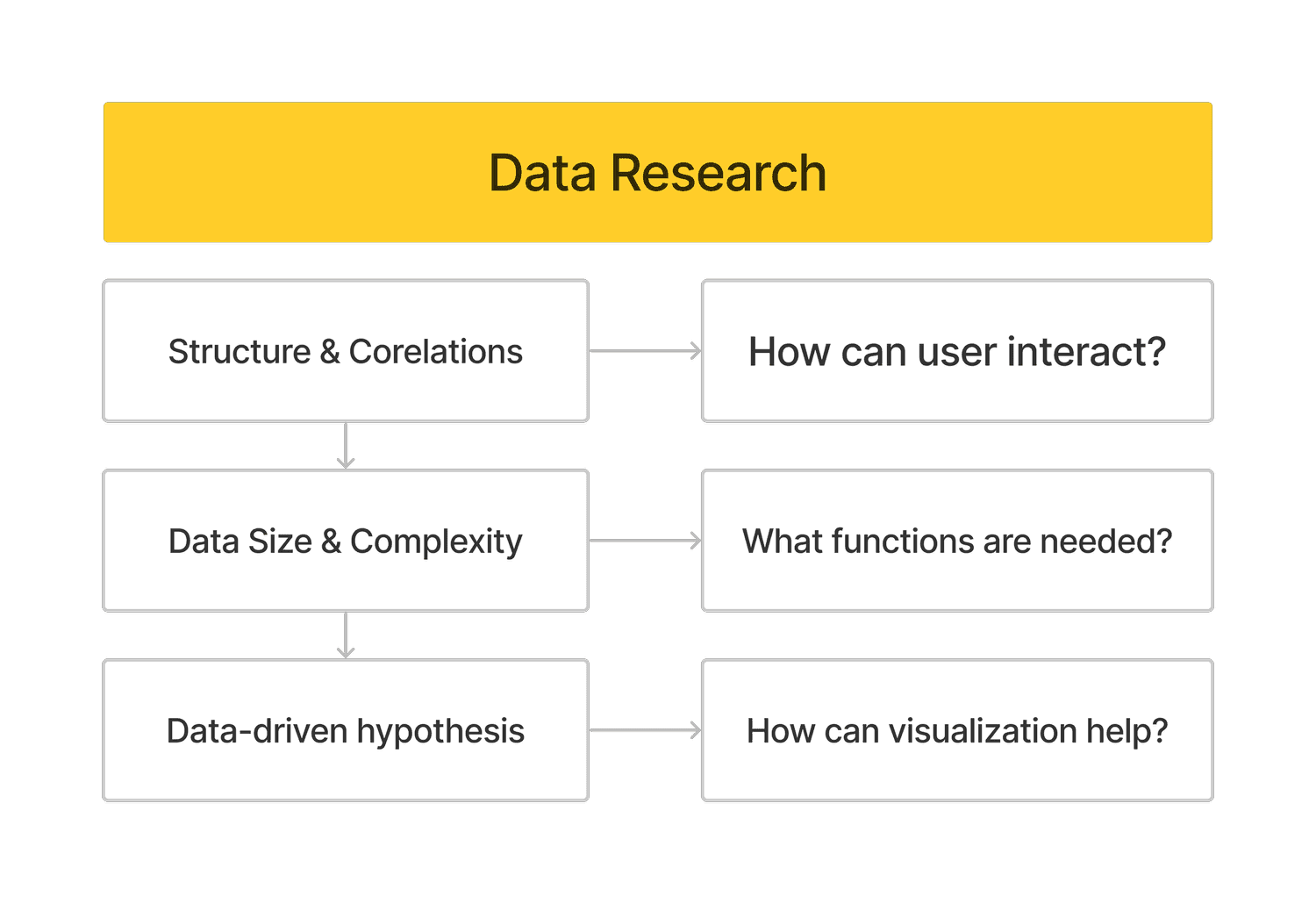
To build a data visualization portal, our team conducted in-depth research into the dataset used. We studied the meaning behind the data, the academic potentials and limitations in order to create a user-friendly portal that fulfills the vision of the curriculum.
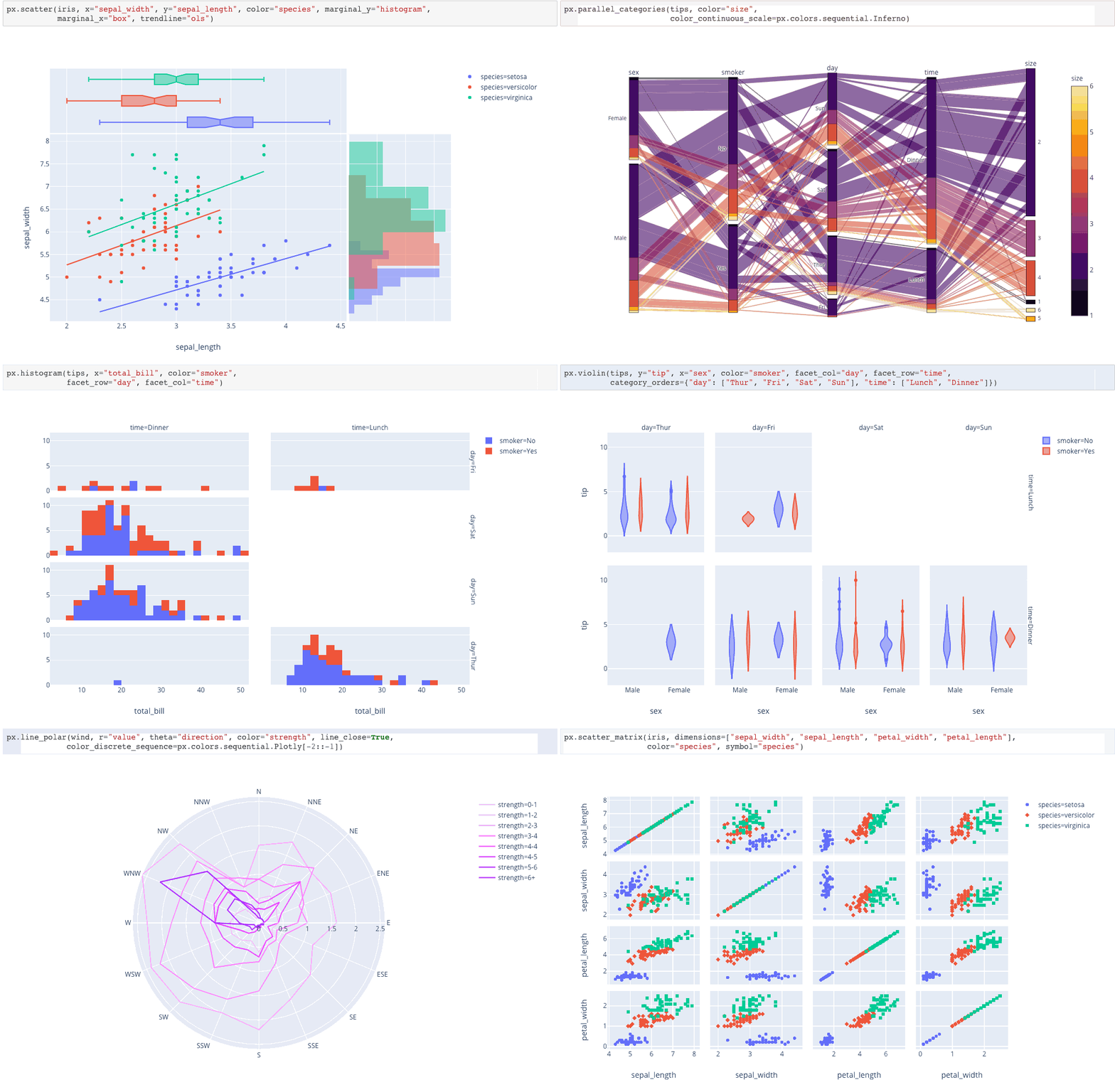
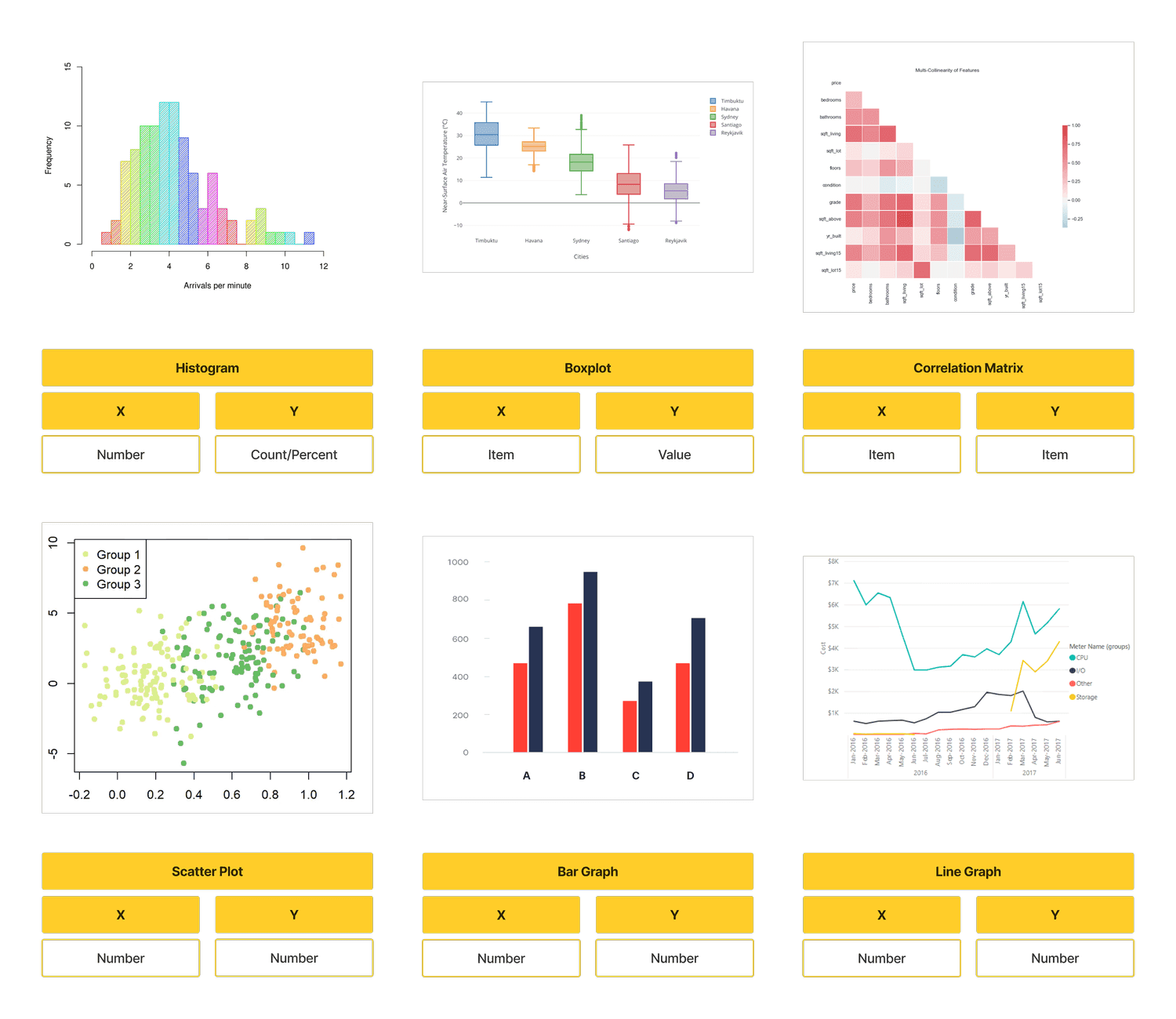
We studied graph types — histogram, box plot, correlation matrix, scatter plot, bar graph and line graph — and chose Plotly as our visualization library. It is a powerful library that enables many customizable functions, and we selected a list of universal features to employ across all graphs to increase functionality.
Functional Features
We selected a list of universal functions to employ in all the graphs in our portal in order to increase the functionality and interactivity.
Competitor Research
Competitor Analysis
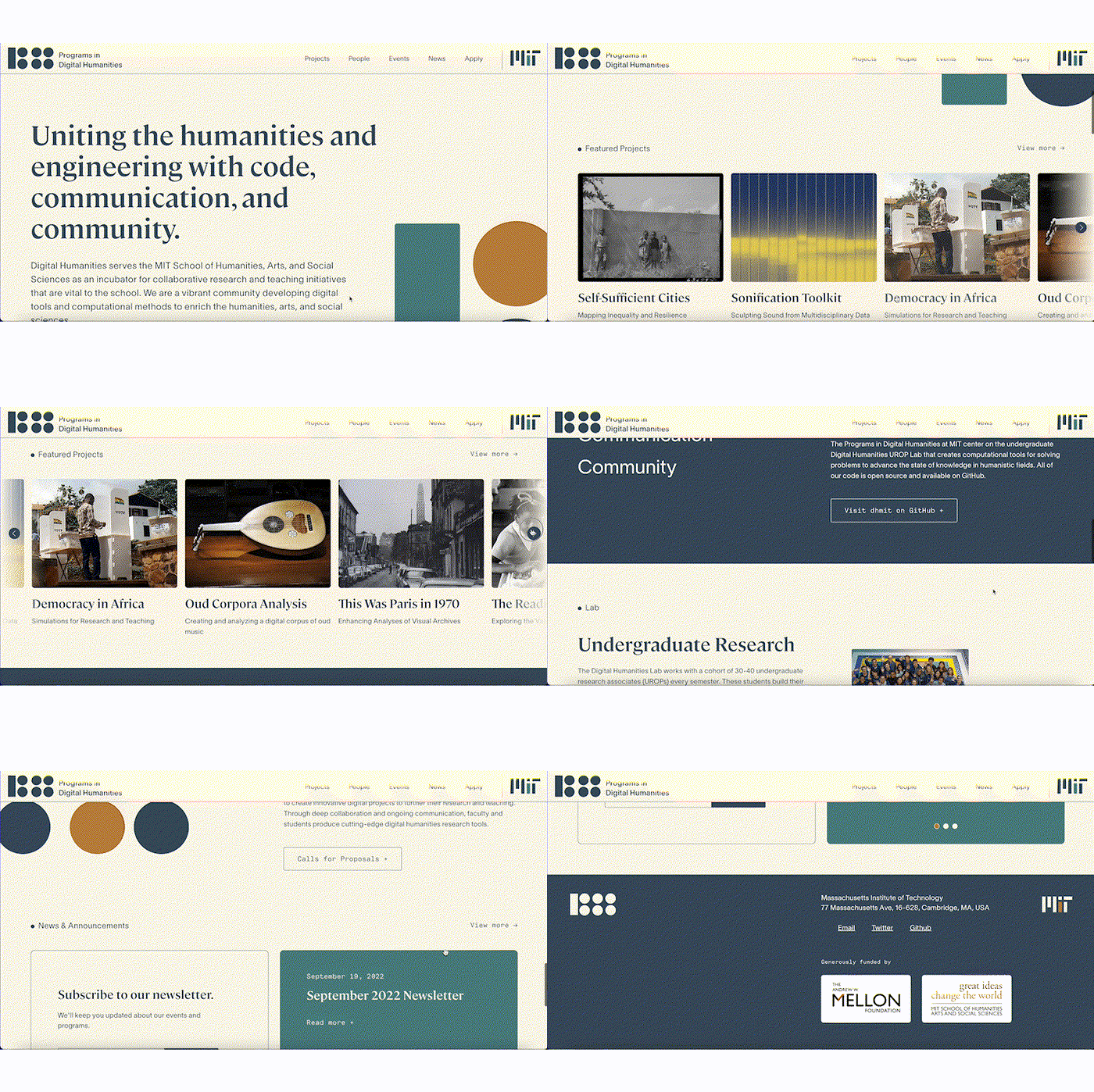
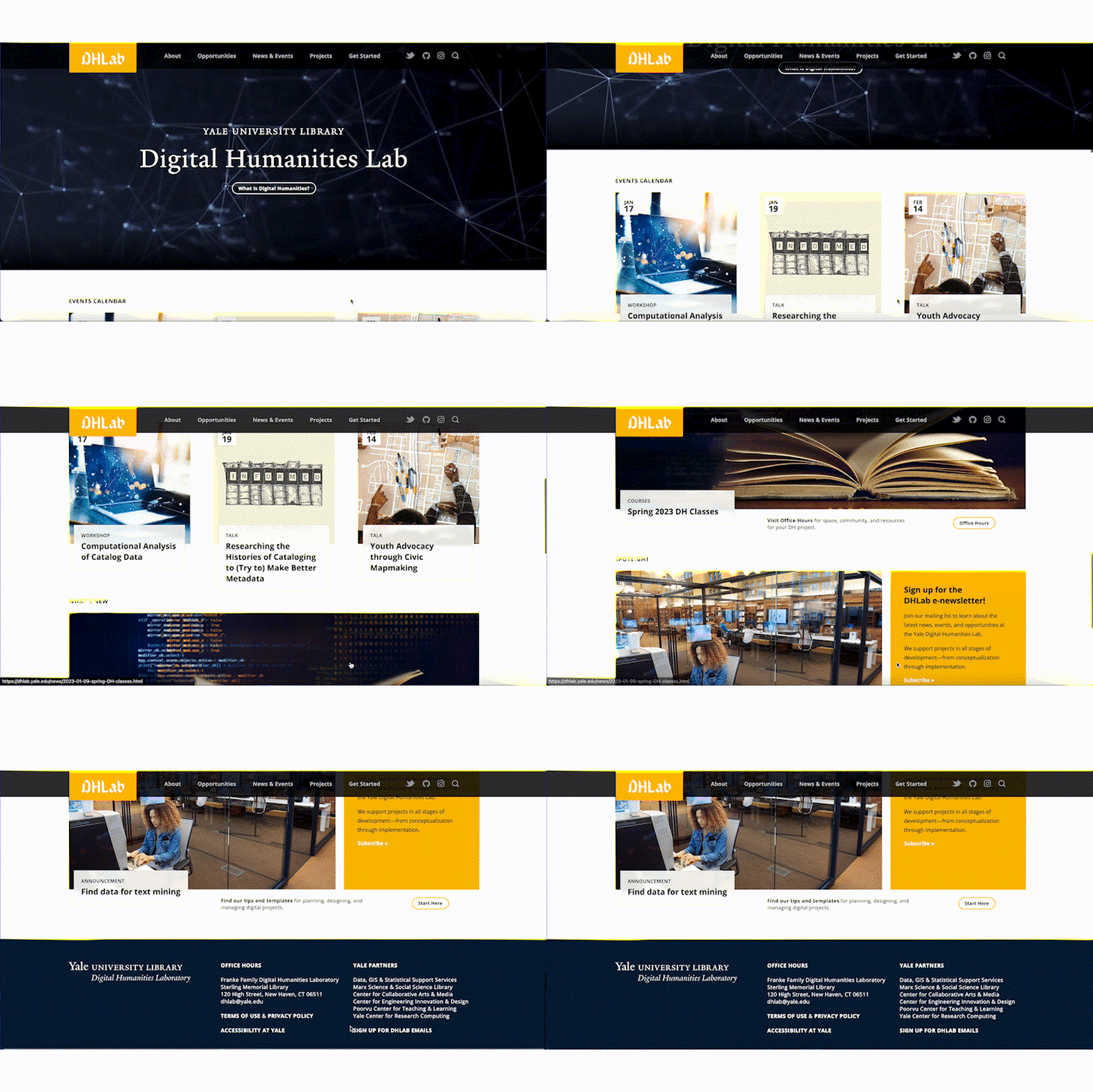
After knowing the user and the data, the team jumped into a quick competitor analysis process where we looked into similar projects from other universities. We summarized the style, content, user flow in these websites, and helped ourselves to better imagine what our project could look like.
Reference 01: MIT
Reference 02: Yale
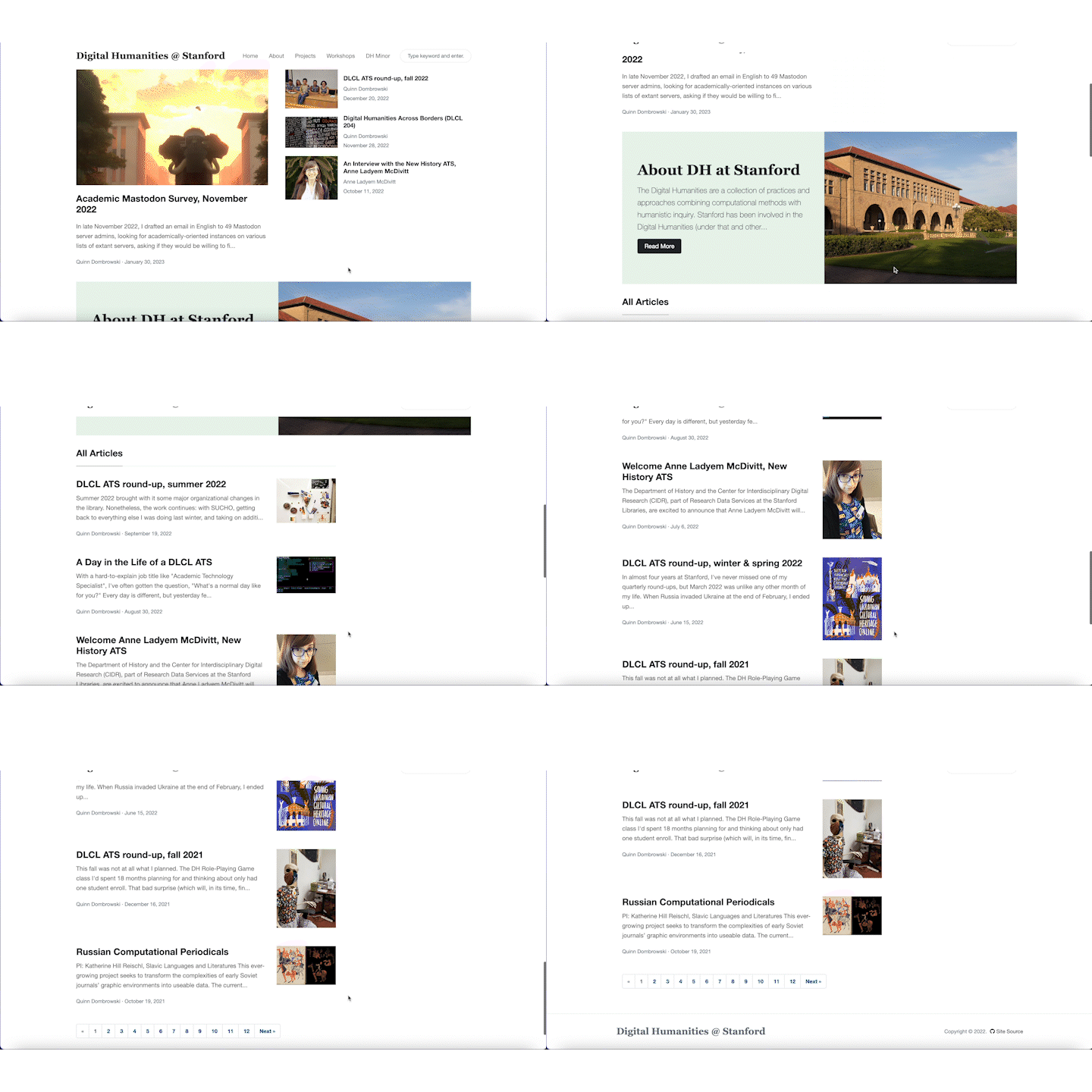
Reference 03: Stanford
Ideate & test process
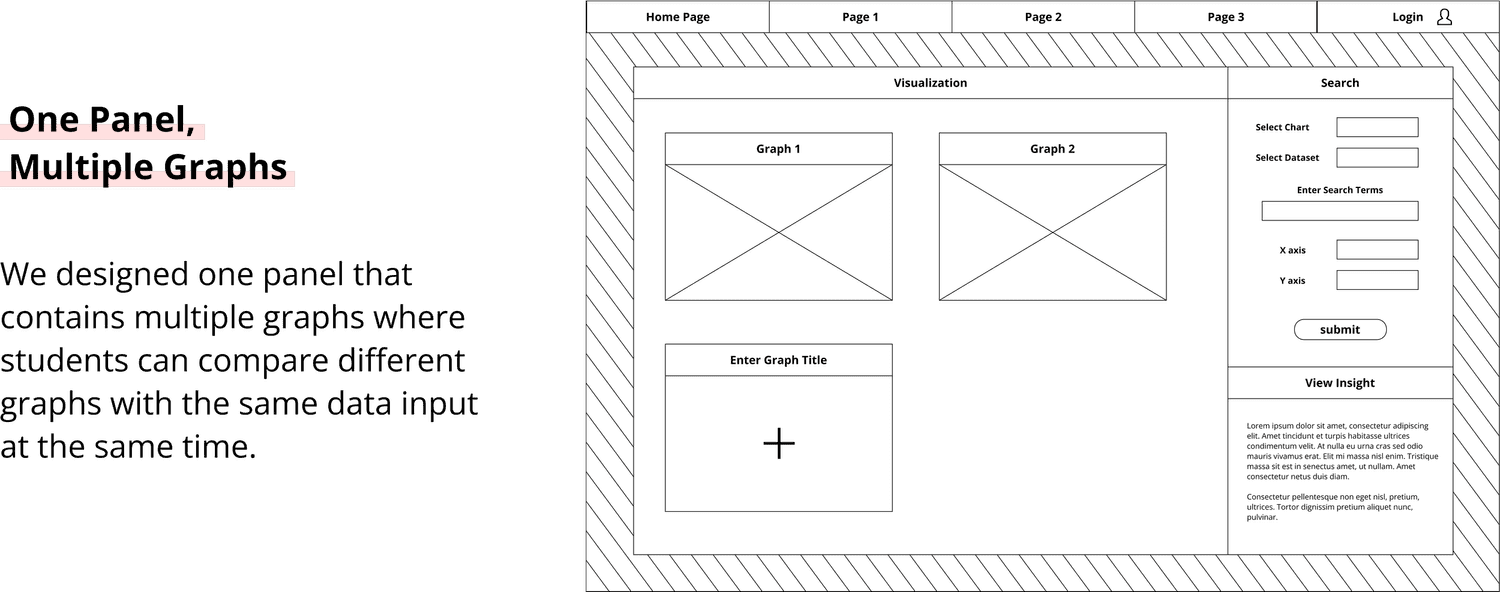
Ideate 01: Compare Graphs at the Same Time
The first design focused on the functionality. One major task for students to accomplish is to compare and summarize different graph types. We created a multi-panel visualization wireframe, empathizing on the prominent functionality and data visualization logic.
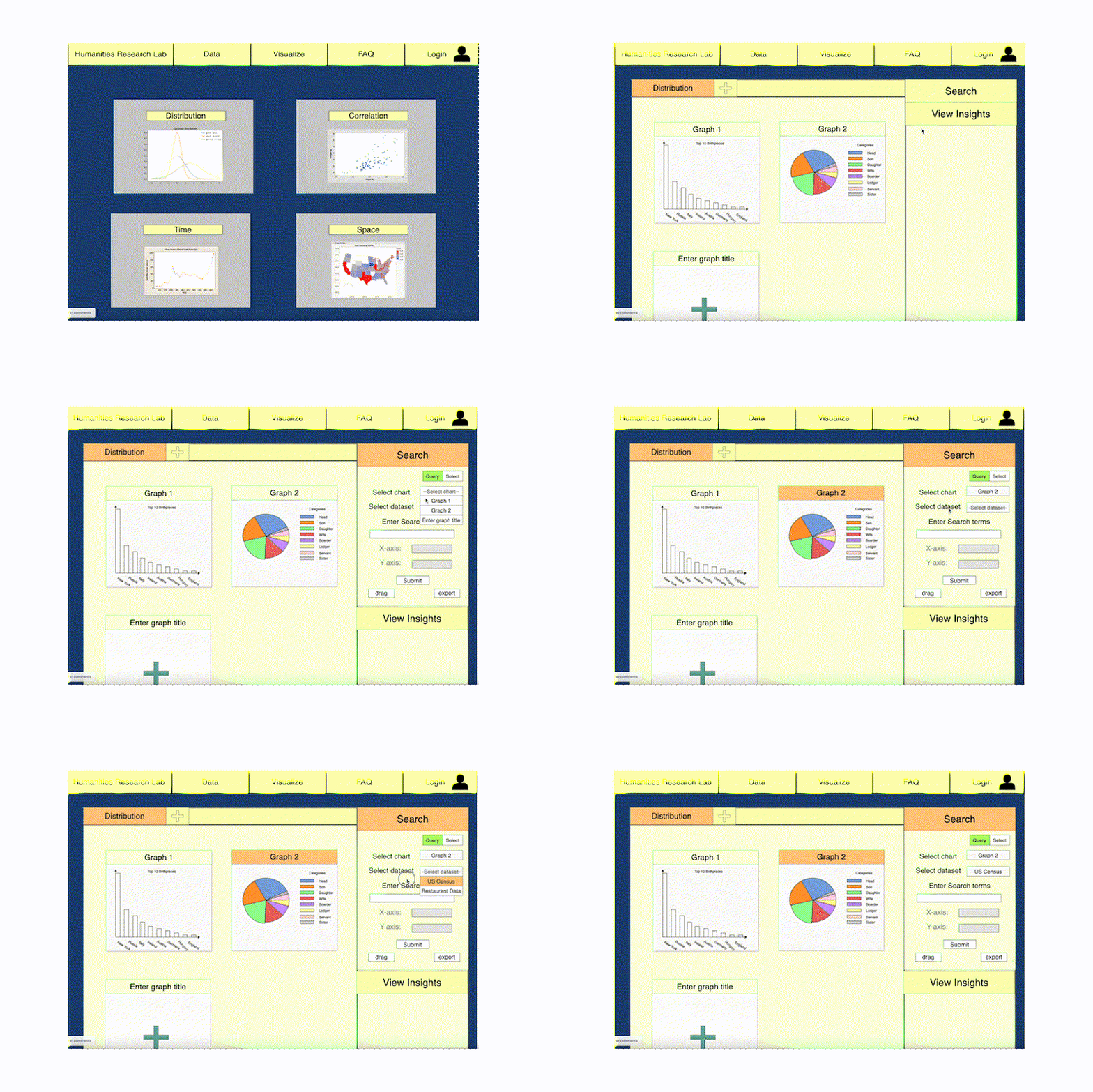
Test 01: Clickable Wireframe
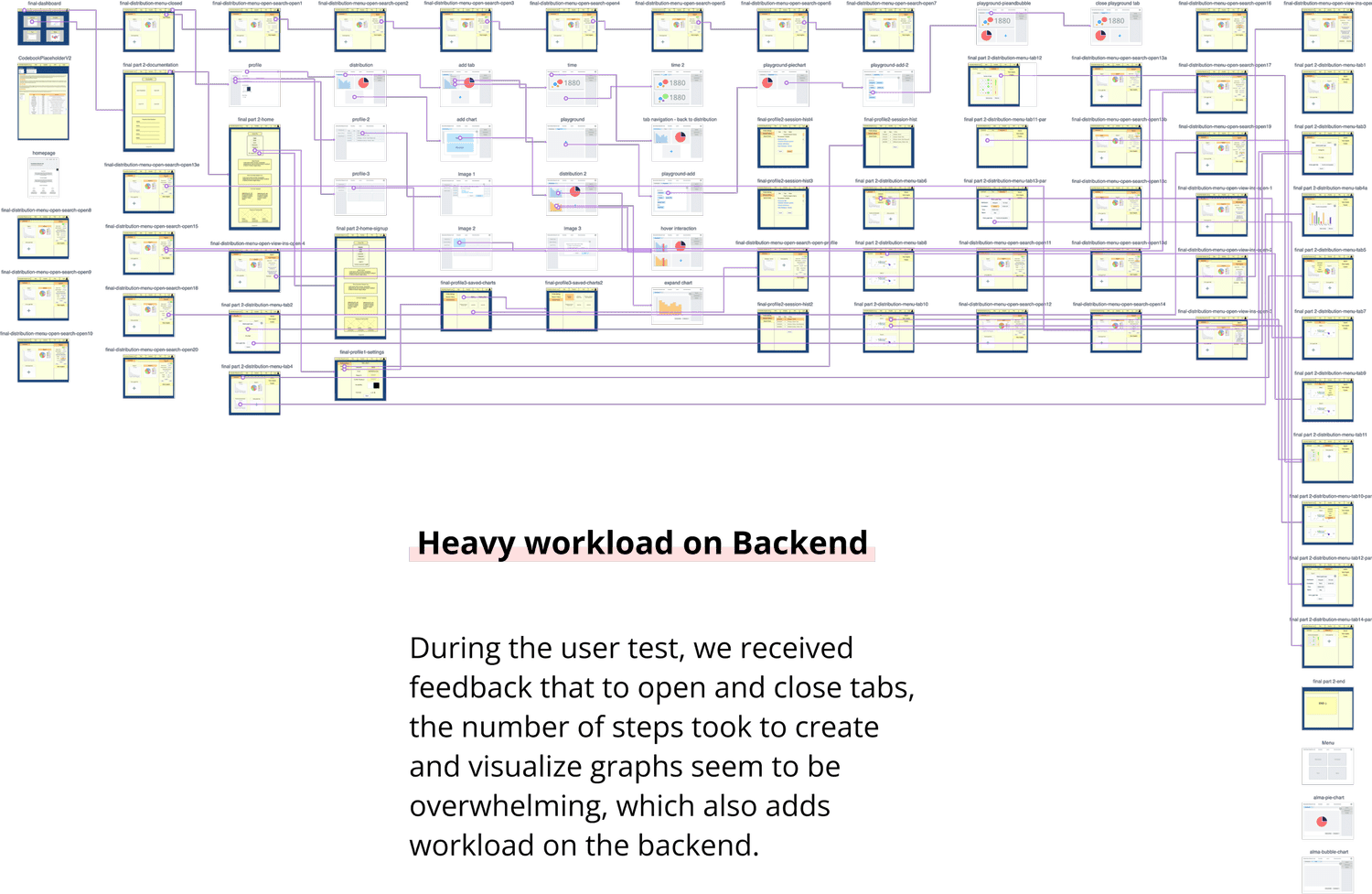
We created a clickable wireframe of this design on Marvelapp.com and we conducted 7 in-depth user tests where users will think out loud as they go through the wireframe. We documented their reactions and confusion, and concluded that this design seemed to be over-complicated, which also added difficulty to the back-end workload.
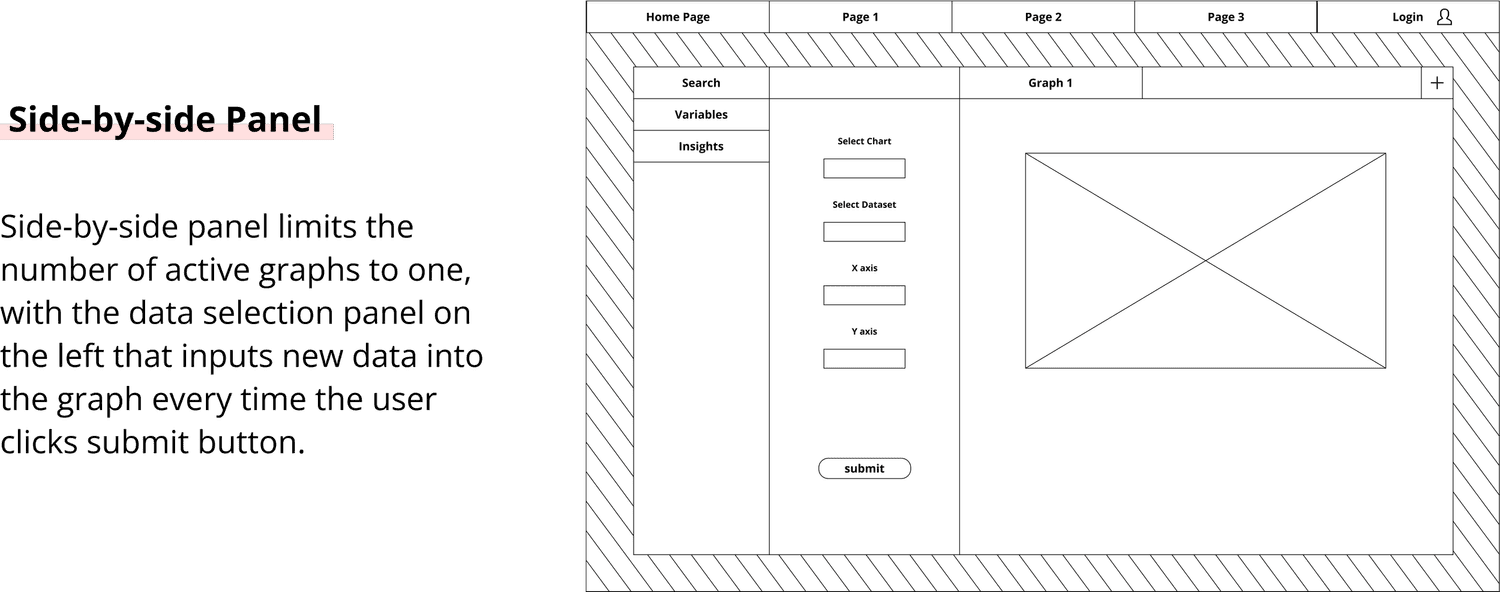
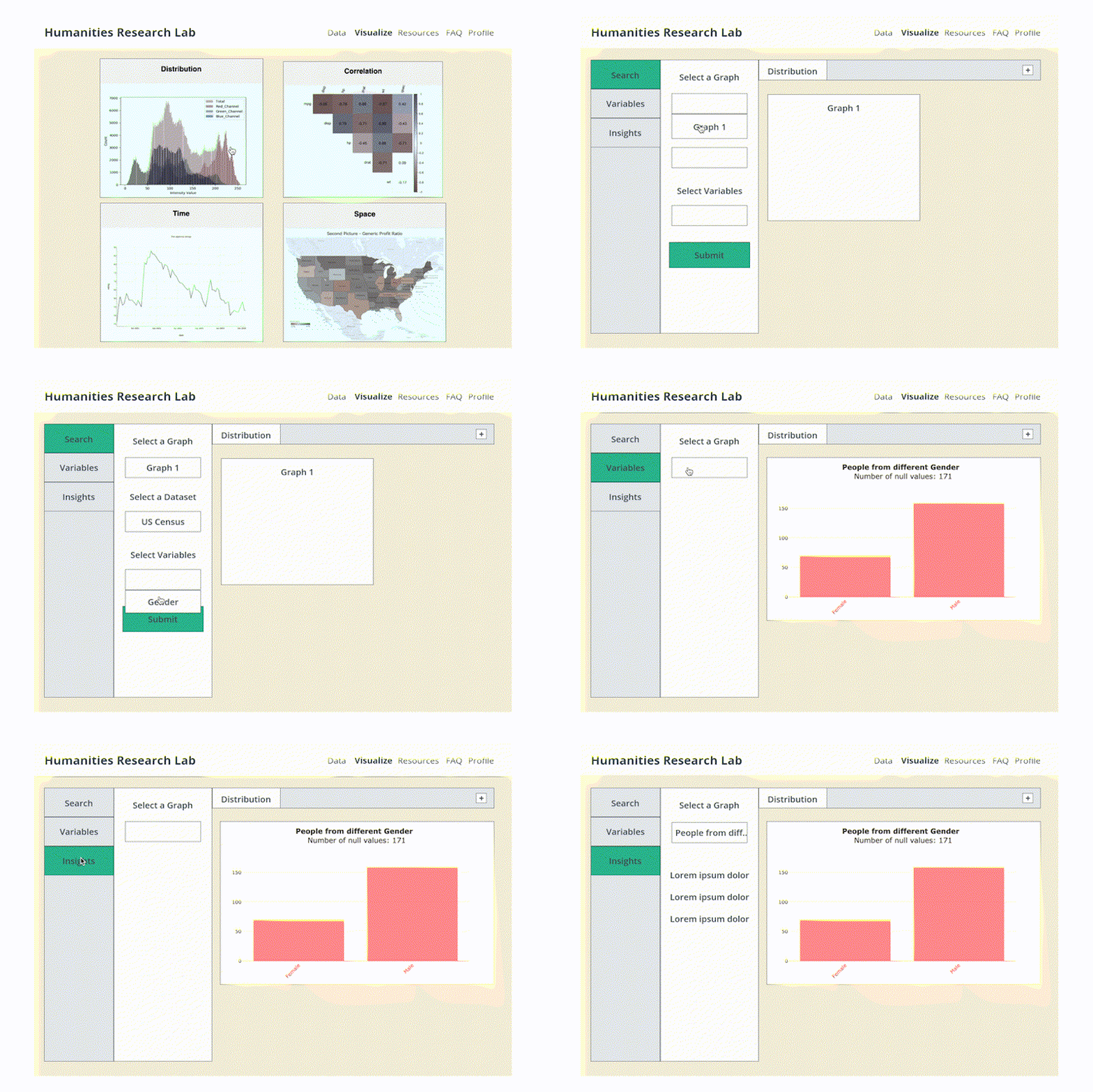
Ideate 02: Simplified Workflow
The second design focused on smooth workflow. We eliminated unnecessary windows and tabs, centering only one active graph on the screen. This design contains a side-by-side panel with clear distinction between data input and output.
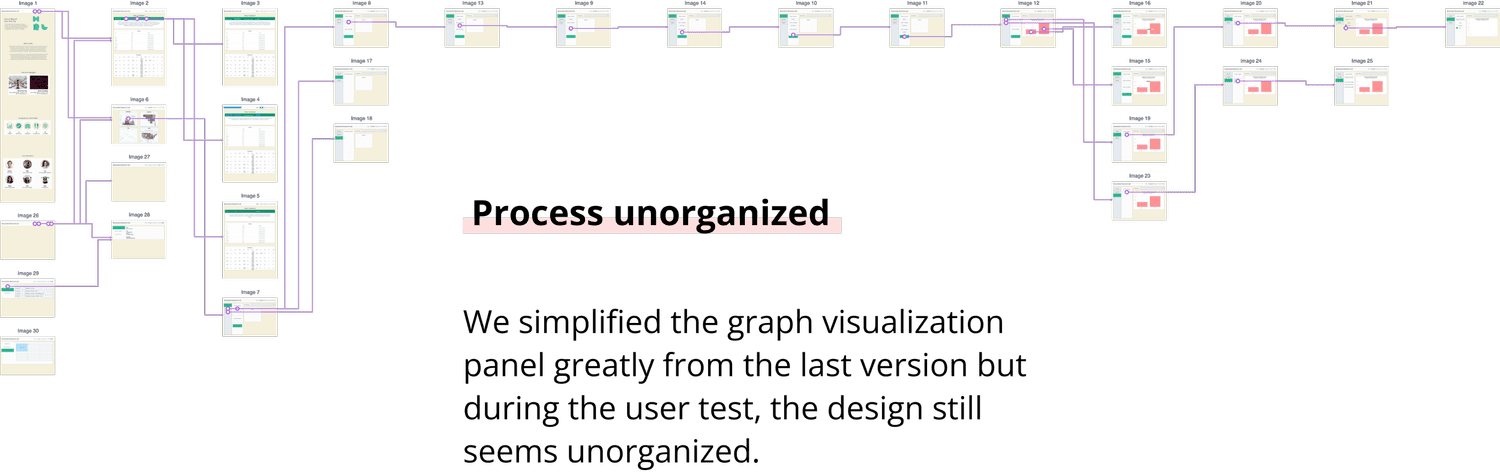
Test 02: Clickable Wireframe & Slide Walkthrough
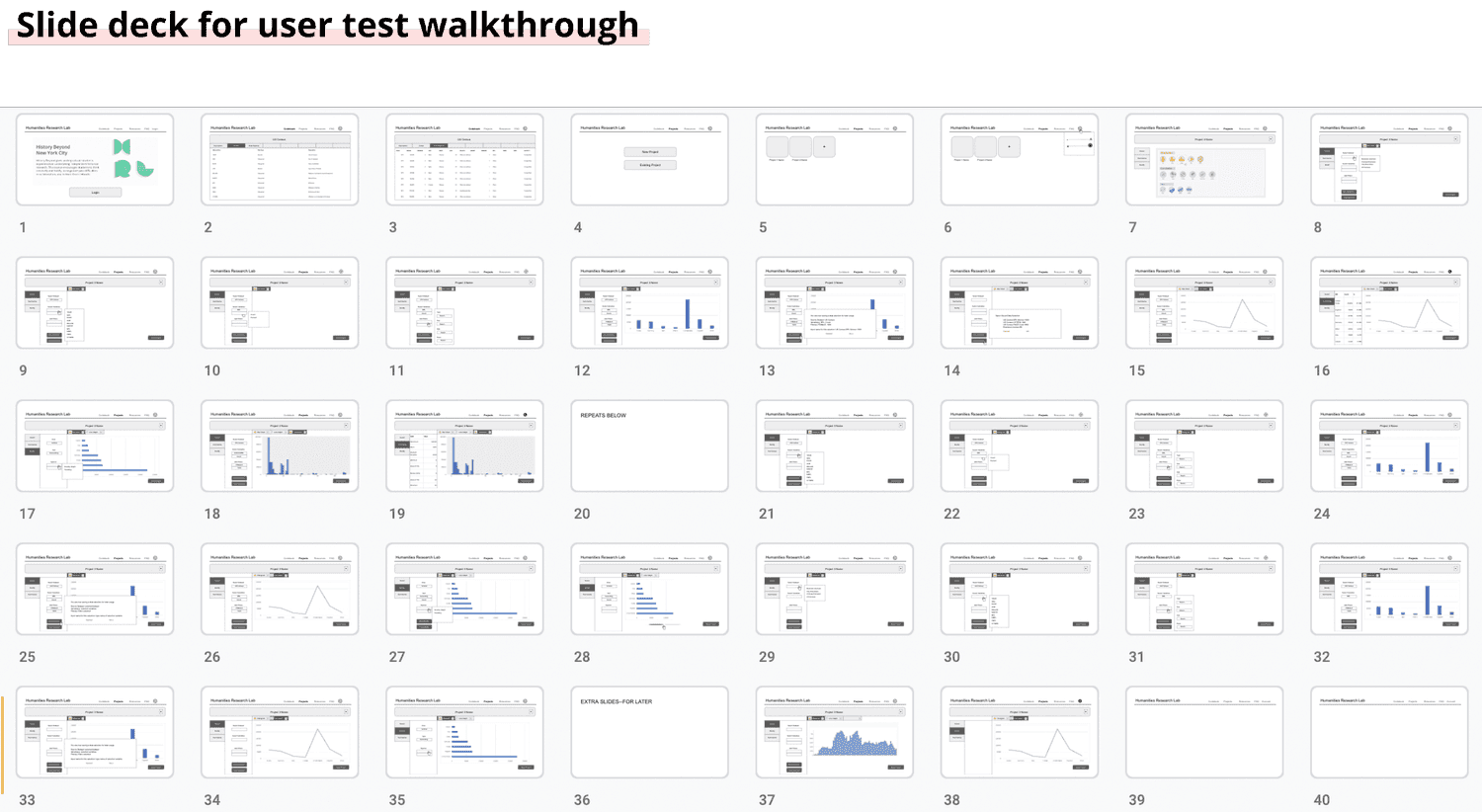
Similarly, we first observed users to go through the clickable wireframes and documented their feedback. Then we quickly made adjustments based on the feedback and conducted the third round of user tests with the same users through a slide deck walkthrough for immediate responses.
Design
Final Design
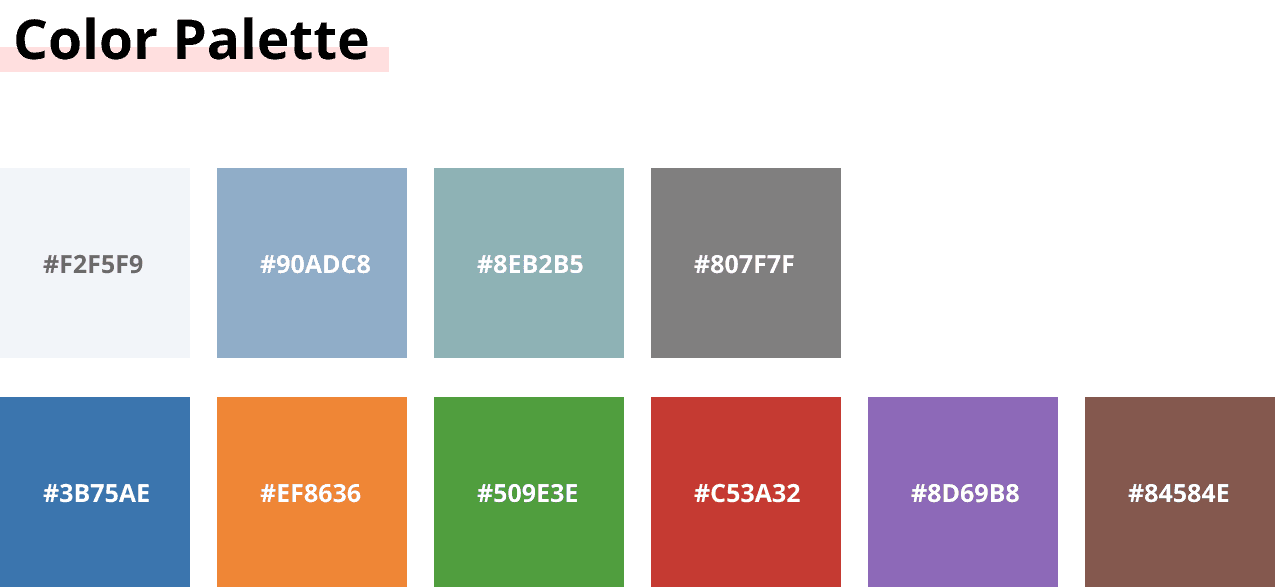
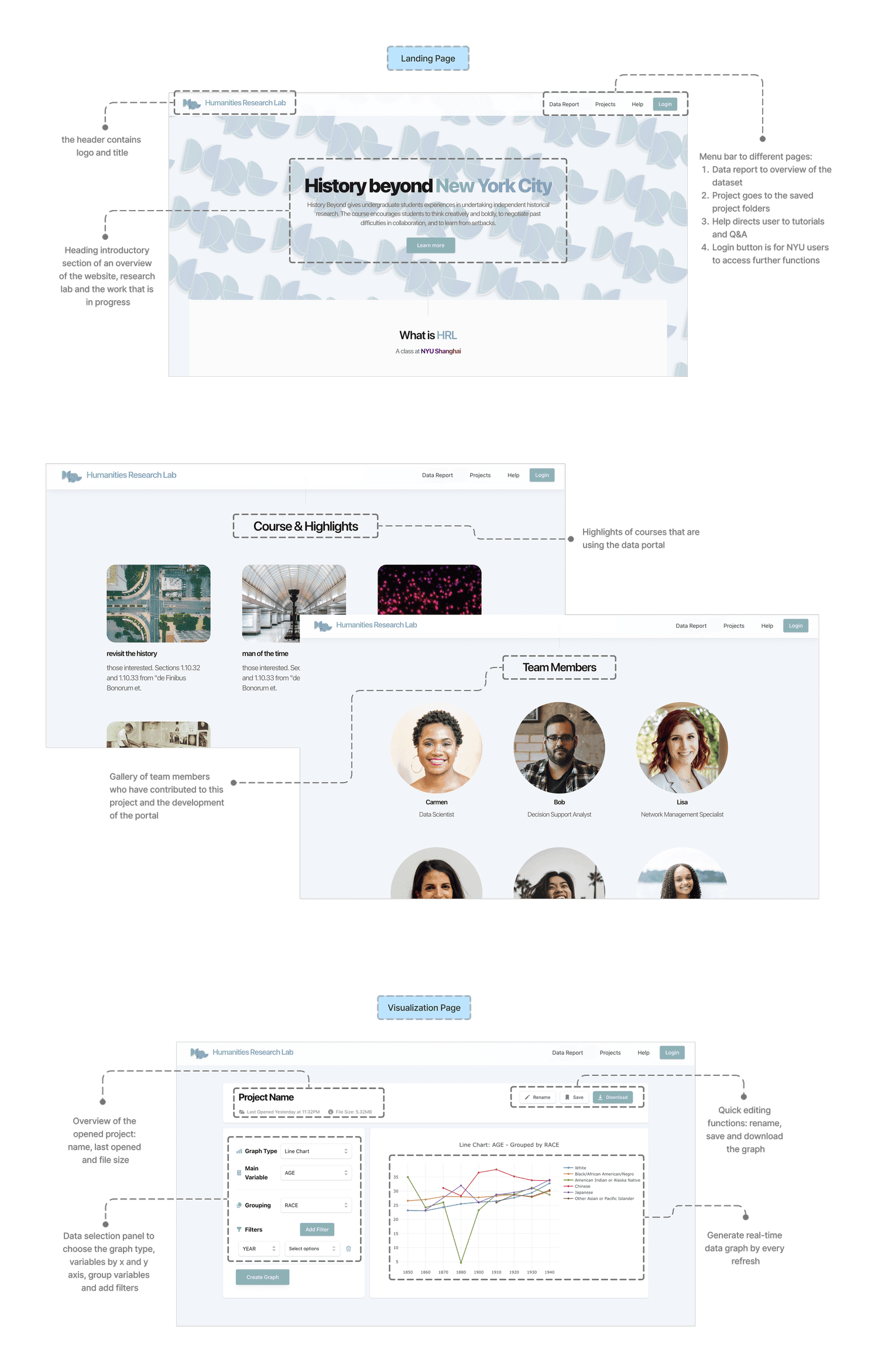
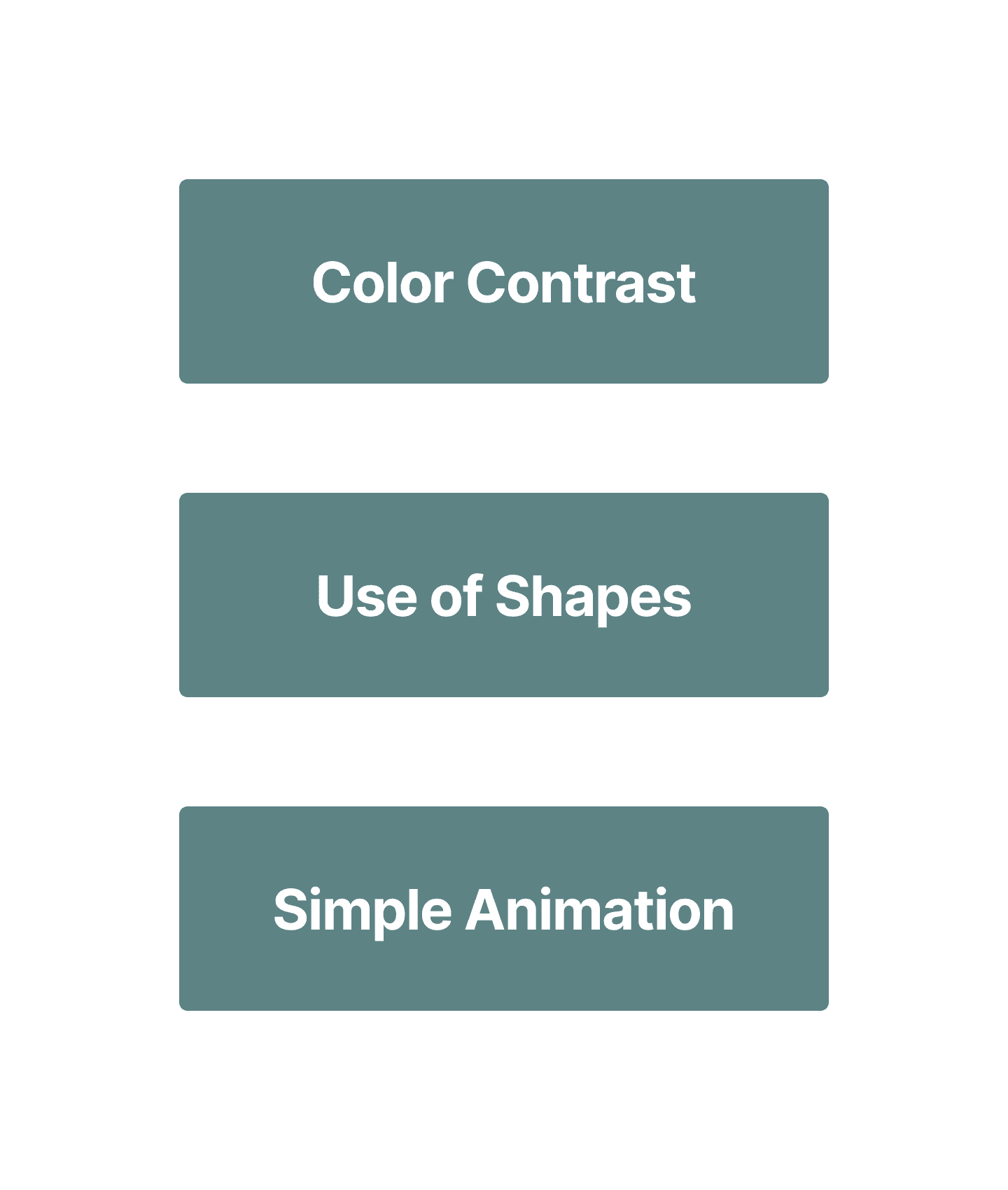
The team synthesized the research and user test findings, designed the final wireframe for a neat and smooth workflow. We utilized the use of shapes, chose a soft background color to stand out high contrast visualizations. Last but not the least, we developed prototype with functional front and back end.
The interactive data portal is an on-going project that aims to host on the NYU network server for first-year core curriculum. Our work of user research, data analysis, UX design and development serve as the foundation for further iteration and updates.